
Export your video
Export
Dranic makes the video in your browser, and it downloads straight to your computer.
- Click Export at the top right.
- Check the settings in the window. Click a setting to change it.
- Click Export in the window.
- Keep the tab in view until Download started shows. You can keep editing while you wait.
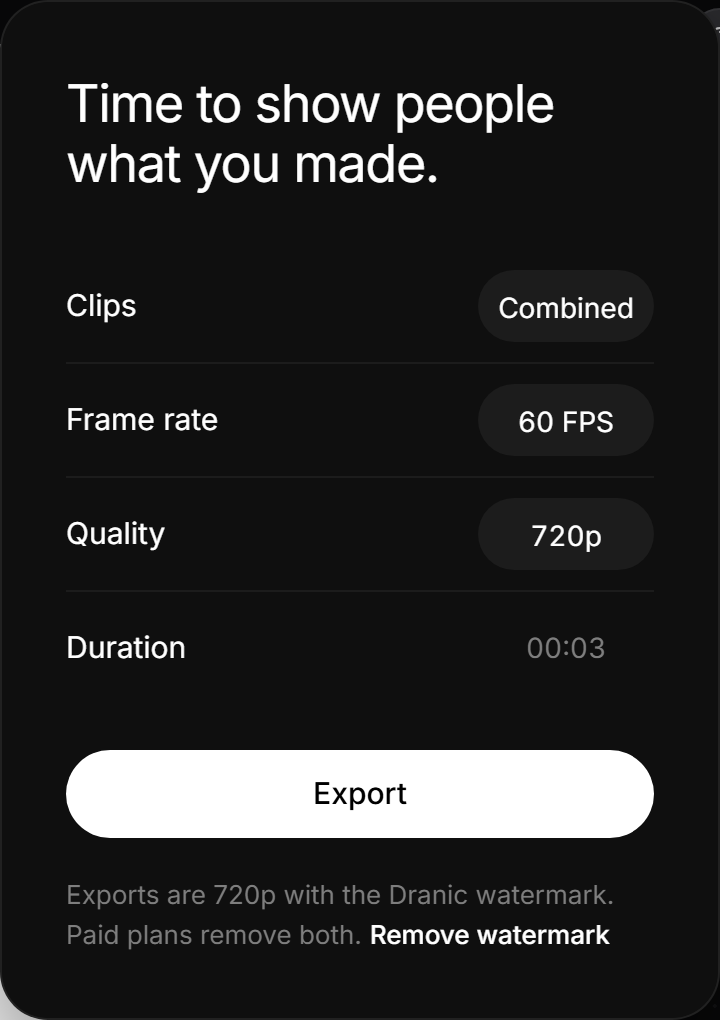
One video or a ZIP file
Clips starts on Combined, which gives you one MP4 of the whole Video. To get one MP4 for each Shot instead, click Combined so it says Separate. They download together as a ZIP file.
Got a ZIP file but wanted one video? Clips was set to Separate. Click it so it says Combined, then export again.
Frame rate and quality
Frame rate switches between 30 and 60 FPS. Quality is 720p, 1080p or 1440p on Starter, Pro and Max. Free exports are 720p.
Still stuck?
Sign in and tell us what happened. We’ll email you back. Problem in the editor? Report it from the editor so we can see your screen.
To ask about a payment or a refund, go to paddle.net. For anything else, email support@dranic.com.