
Record your website.Get a product demo.
Use your product in Chrome. Dranic films it like a camera operator would, and every move stays yours to change.
 Coming soon to Chrome
Recording
Use your product.Dranic records the rest.
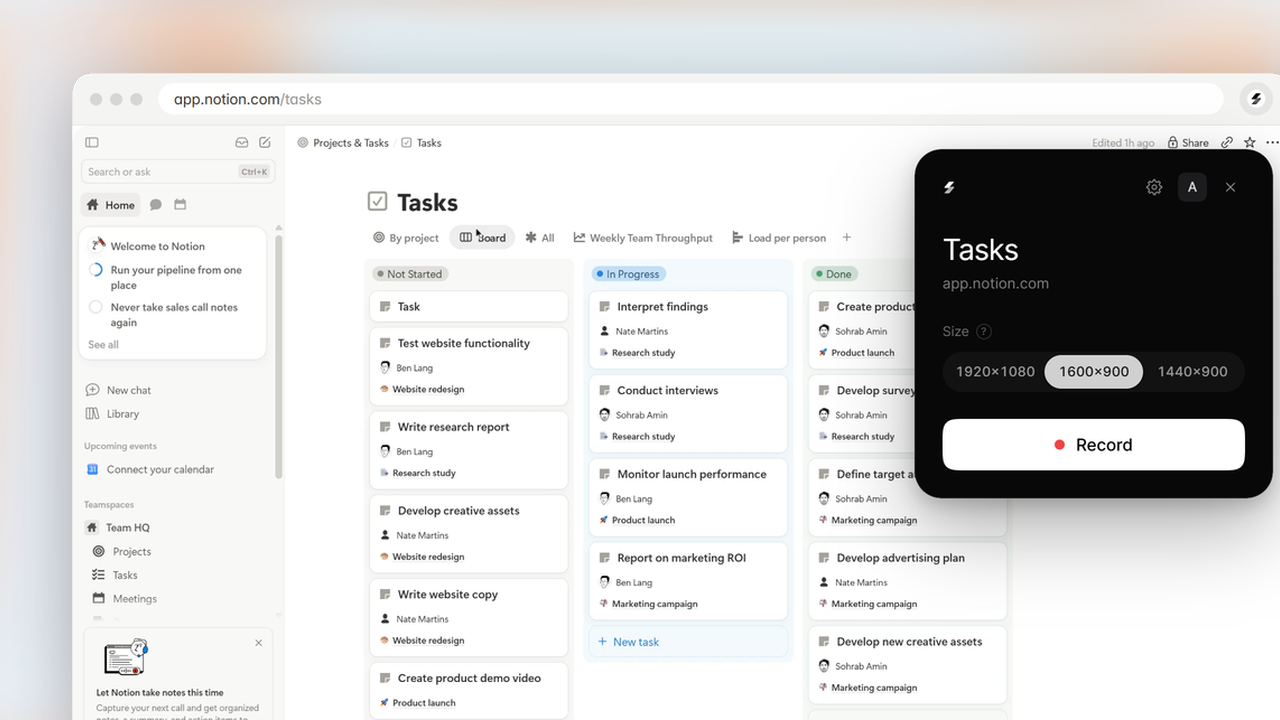
Open the extension on any tab and press Record, or Alt+Shift+R. Click, scroll and type as you normally would. Then reframe it, trim it, change how it feels and add text to make a beautiful demo.
Camera
Filmed like a camera.Focused on every click.
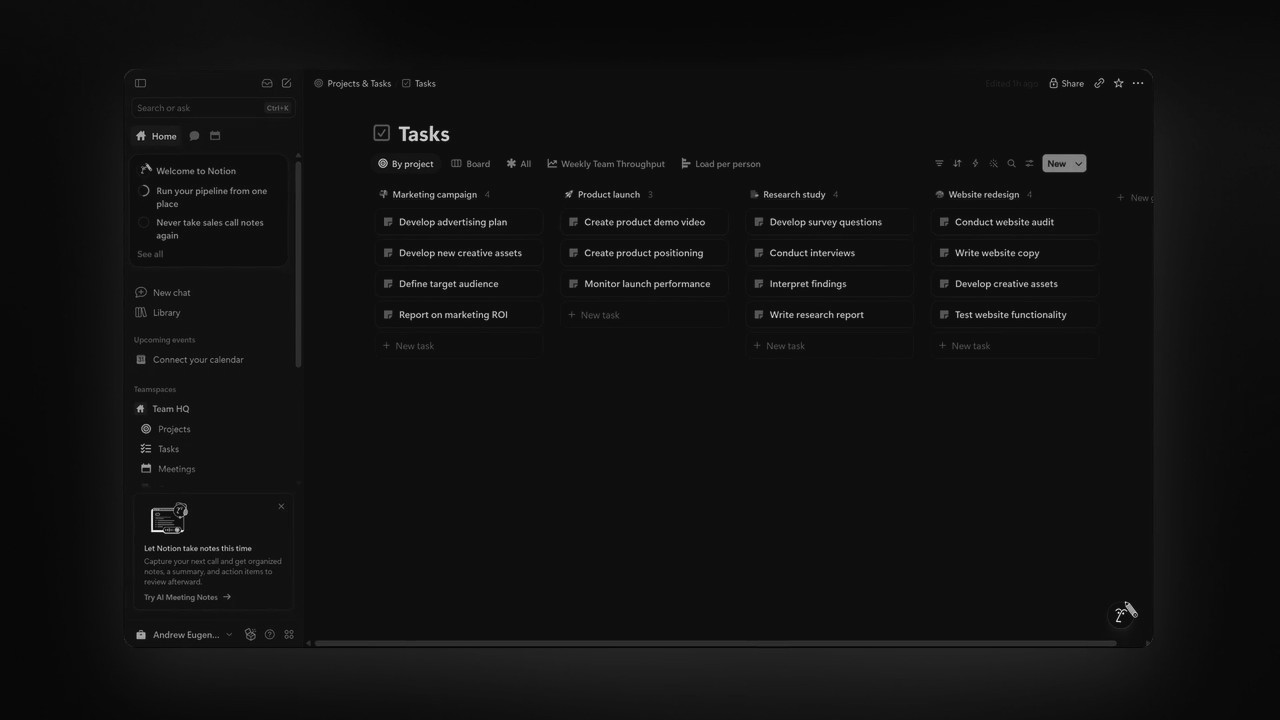
The camera moves in on what you click and steps back when you’re done, so viewers always see the part that matters. Recordings are nearly 2× sharper than a normal screen recording, so close-ups stay crisp.
Cursor
A clean cursor.Clicks you can see.
Your cursor moves smoothly, in the look and size you choose: a cursor or a pointing hand.
- Cursor type
- Cursor size
Editing
Every camera movestays editable.
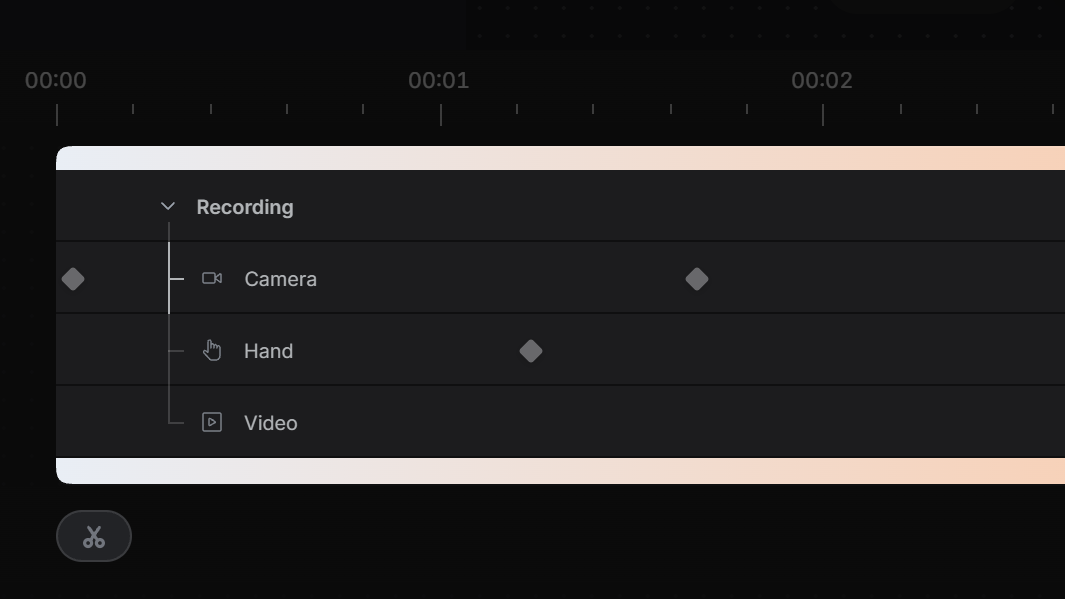
The camera’s moves sit on the timeline as points. Drag one to change when the camera moves. Cut the recording into pieces, delete what you don’t need and the gap closes, or speed a clip up.
Customize
Change the focus.Put it in a frame.
Point the camera somewhere new whenever you like. Set the recording in a browser window, on a Background, with Text and Mockups around it. It’s a Shot like any other.
- Camera focus
- Browser frame
- ChromeVersion 120 or later.
- Up to 1 hourPer recording, on every plan. Your Video downloads up to 30 seconds on Free, 40 on Starter, and any length on Pro and Max.
- Any websiteIncluding HTML files on your computer.
- Alt+Shift+RStarts and stops a recording.