
Report a problem
From the editor
The fastest way to get help is to report from the editor. We get a screenshot of your window and the Video you were in, so you don’t have to describe everything.
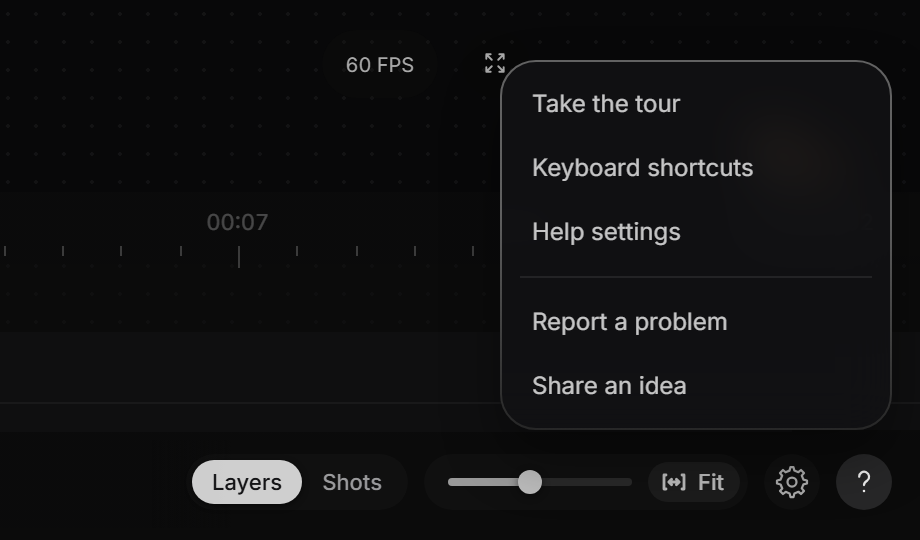
- Click ? at the bottom right, next to the gear.
- Click Report a problem.
- Write what happened and what you expected.
- Click Send.
Your screenshot
Dranic takes the screenshot when the panel opens. To point at something, click Highlight, drag a box around it and click Done. If the screenshot shows anything private, click Remove.
Anywhere else in Dranic
Click your account button at the top right, then click Send feedback.
Our reply
We reply by email, to the address you signed in with.
Still stuck?
Sign in and tell us what happened. We’ll email you back. Problem in the editor? Report it from the editor, as shown on this page, so we can see your screen.
To ask about a payment or a refund, go to paddle.net. For anything else, email support@dranic.com.